
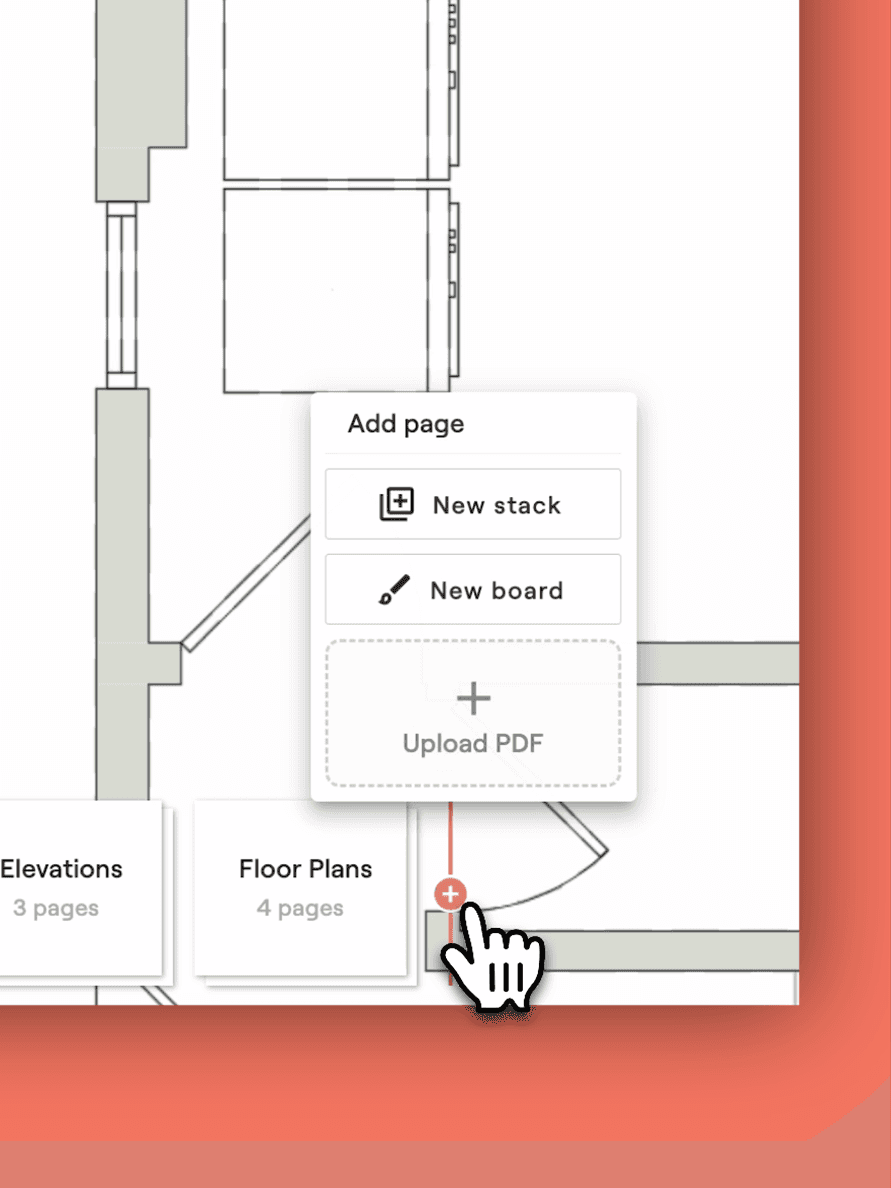
Upload project visuals
Bring in floor plans and elevations so everyone works from the same source of truth.
Materio is the first Project Delivery System for interior design and build teams. From planning to closeout, every decision feeds the next step, keeping your projects moving, your clients informed, and your team in full control.
Bring in floor plans and elevations so everyone works from the same source of truth.
Place markers where items go to create scope items and give your team, clients, and installers a clear visual reference, so everyone sees exactly what goes where.
As you map, your scope builds itself, replacing the spreadsheets, docs, and email chains that slow projects down.
Enter quick estimates that roll into a live budget you can refine later, keeping projects on track from the start.
Pull options from your design library. Use the Materio Selections Clipper to build it fast and keep everything in one place.
Combine selections and inspiration images into a board your client can instantly understand and react to.
Turn concepts into detailed proposals with quantities, pricing, and specs. Your scope flows right in, so nothing gets missed.
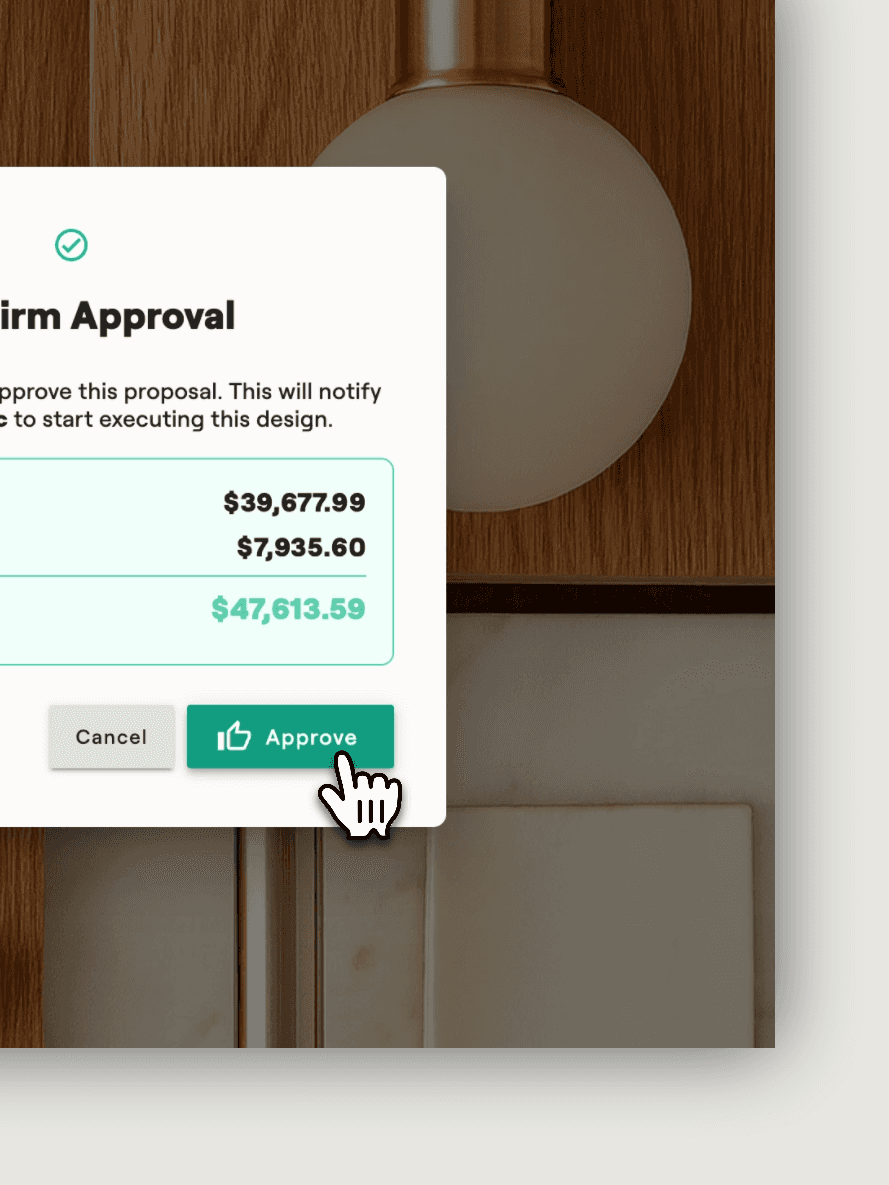
Give clients a clear, visual proposal to sign off on, so decisions stick and the project keeps moving.
Once scope items are approved, POs draft themselves, giving you accuracy with zero rework.
After review, Materio generates a PDF and drafts an email to the vendor. Just review and click send. No typing, no formatting, only forward momentum.
Materio logs lead times, tracking numbers, and delivery status.
Actual costs sync automatically, keeping budget vs. estimate in check.
Export a complete finish schedule with all items, vendors, and delivery details. Share it with your contractor or build team so everyone knows what's arriving and what gets installed where.
QR codes link trades directly to item details, with install instructions or reference docs attached so they have everything needed for a smooth install.
Mark items complete with notes once installed.
Archive all project details, docs, finances and approvals in one place for easy reference and peace of mind.
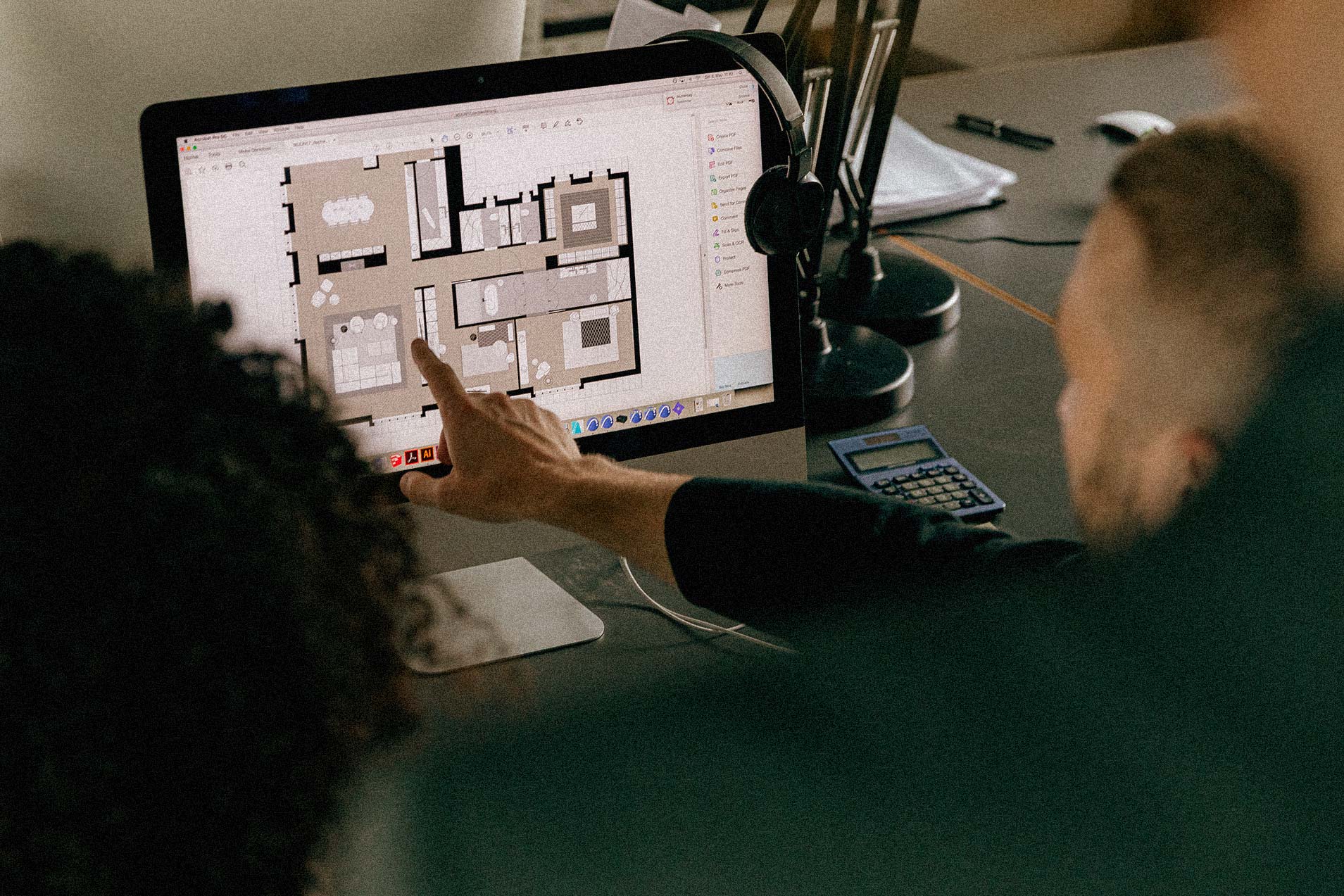
Join 1,500+ designers saving an average of 15 hours per week